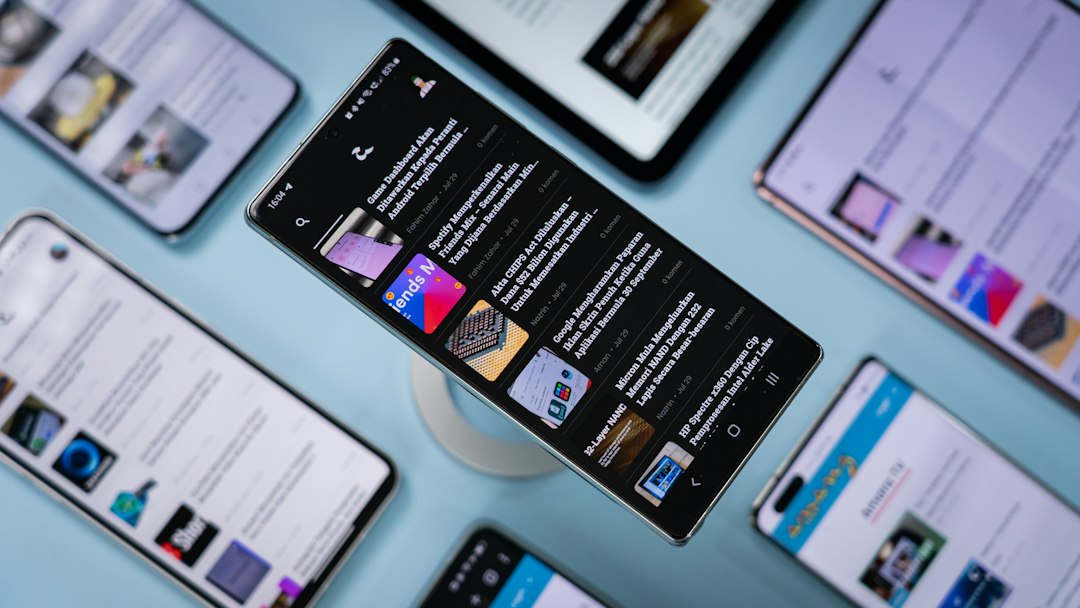
Most digital detox advice sounds great on paper: buy a basic flip phone, lock your smartphone in a timed safe, or disappear into the woods for an offline weekend. But on Monday morning, reality arrives. Your boss messages on Slack, your banking app requires two-factor authentication, and your calendar alerts demand attention. For most people, going completely cold turkey is impossible.
The real issue isn't technology itself—it is the modern attention economy, designed by engineers using behavioral psychology to keep your eyes glued to glass. Trying to beat billion-dollar retention algorithms using sheer willpower is an unfair fight. According to research published in the National Library of Medicine, compulsive screen usage correlates directly with heightened anxiety, cognitive fatigue, and disrupted sleep patterns.
There is a counterintuitive solution: using artificial intelligence as a protective shield. When configured correctly, smart agents and machine learning tools can absorb digital busywork, filter incoming noise, and help you regain control. Here is how you can practically let AI reduce screen time without isolating yourself from modern life.
Key Takeaway: A sustainable digital detox is not about abandoning technology; it is about delegating digital friction. Using AI to handle synthesis, sorting, and communication logistics allows you to spend less time staring at screens while accomplishing more.
The Paradox: Can AI Reduce Screen Time?
It sounds contradictory to suggest adding more technology to solve a tech addiction problem. However, the mechanism behind why we pick up our devices reveals why this method works. Most screen time accumulates in two ways:
- Passive consumption loops: Scrolling social feeds, scanning endless news feeds, and checking notifications out of habit.
- Digital life administration: Reading long email threads, comparing products, formatting documents, and scheduling meetings.
When you employ automated assistants to tackle these tasks, you collapse the time needed to extract utility from your device. Instead of spending 45 minutes skimming five long articles, an AI synthesizer gives you the core actionable insights in 90 seconds. Instead of triaging 50 inbox notifications manually, adaptive models surface only the three that actually require your input. Embracing tools that help building a healthier relationship with technology means treating AI not as another screen to watch, but as an invisible filter between you and the attention economy.
5 Ways to Let AI Reduce Screen Time Every Day
1. Replace Scrolling with Generative Synthesis
The habit of "research scrolling"—jumping from link to link under the guise of staying informed—is one of the biggest screen time traps. You open a browser to look up a recipe or a software solution, and 40 minutes later you are reading celebrity gossip or product reviews you never needed.
Use conversational search models and LLM browser plugins to summarize information instantly. Instead of browsing through search engine result pages clogged with SEO fluff, prompt an AI engine to extract the direct answer in bullet points. By letting AI reduce screen time spent gathering facts, you get the exact information required and close the tab immediately.
2. Smart Notification Triage and Semantic Filtering
Standard smartphone notification systems are blunt instruments. They either let everything through or block everything in "Do Not Disturb" mode. Modern AI-driven notification systems, such as Apple's on-device intelligence and Android's adaptive notification managers, analyze message context rather than just sender identity.
Configure your device to recognize conversational urgency. An automated notification engine can hold non-critical alerts—like social media likes, discount emails, and casual chat threads—into a single daily digest delivered at 6:00 PM. This eliminates the intermittent variable rewards that trigger compulsive phone checks.
3. Voice-First AI: Shifting Interactions Off the Screen
Every time you look at a glowing display to perform a simple task, you expose yourself to visual triggers. You check the weather, see a red notification badge on an app, tap it, and fall into a 20-minute rabbit hole.
Switching to voice-first interactions breaks this loop. Modern conversational voice assistants can process complex instructions without requiring you to turn on a screen:
- "Add olive oil, eggs, and sourdough to my grocery list."
- "Summarize the calendar events for tomorrow morning."
- "Send a quick message to Marcus saying I'll arrive at 7:15."
By conducting routine inquiries through voice prompts, you complete tasks without ever unlocking your phone's home screen.
4. Intelligent App Friction and Dynamic Blockers
Static app blockers fail because they are too easy to bypass when you experience an impulse. Next-generation focus apps leverage AI to insert dynamic, context-aware friction. Instead of a hard wall that you instinctively disable in settings, smart tools like Opal or One Sec ask you to reflect before an app opens.
These tools monitor usage patterns and detect when you are opening an app out of boredom versus actual necessity. Some apps ask you to state your intention in writing or speak aloud why you need the app before granting a 60-second window. This brief delay interrupts the dopamine loop, giving your rational brain time to intervene.
5. Automated Inbox and Admin Management
Admin tasks are a primary driver of digital exhaustion. Sorting through messy threads, extracting action items, and drafting routine responses eats up hours of desk time. Integrating automated workflows into your email platform allows algorithms to summarize long chains, identify deadlines, and draft contextual replies for your approval. Applying these methods as part of optimizing your digital workspace turns your inbox from an all-day distraction into a concise, 10-minute task.
Key Takeaway: Visual triggers drive digital dependency. By offloading tasks to voice interfaces, summaries, and automated triage, you remove the visual hooks that encourage mindless scrolling.
The "Friction Gradient": How to Set Up Your Digital Gatekeeper
To successfully let AI reduce screen time over the long term, you need a systematic framework. Implement the Friction Gradient model to organize your digital tools based on how easy they are to access:
- Zero Friction (Voice & Background Automation): Routine utilities like reminders, timers, music playback, and calendar scheduling should occur via voice assistants or background scripts. No screen illumination necessary.
- Medium Friction (AI Summaries & Batched Delivery): News updates, newsletters, and team chat digests should be processed by language models and delivered once or twice per day as structured overviews.
- High Friction (Infinite Feeds & Entertainment): Social media platforms, video feeds, and recreational forums should require biometric checks, intention prompts, and strict session cutoffs managed by smart blockers.
Applying this three-tiered approach ensures that high-value tasks remain efficient while time-wasting behaviors require deliberate effort. When you pair this structure with a practical digital decluttering checklist, your smartphone transforms from a source of distraction into an intentional utility.
Common Pitfalls: When AI Increases Screen Time Instead
While artificial intelligence can be an exceptional tool for reclaiming attention, it can also backfire if used carelessly. Avoid these common traps:
- The "Prompt Rabbit Hole": Spending 30 minutes tweaking prompts to generate a 2-minute response. Treat AI tools as quick utilities, not toys to tinker with when you should be working.
- Endless Chatbot Banter: Engaging in philosophical debates or open-ended banter with conversational bots replaces human connection with artificial conversation, trading one screen addiction for another.
- Information Overload via Summaries: Reading 50 AI summaries of articles you never needed to know about in the first place is still consumption. Use summaries to filter out unneeded reading, not to consume more volume.
Take Action Today: Your 15-Minute AI Detox Sprint
You don't need a complete life overhaul to start seeing results. Set aside 15 minutes today to configure three quick changes:
- Activate Voice-First Commands: Turn on your phone's voice assistant for all basic reminders, timers, and list entries. Commit to not looking at your display for these three tasks over the next 24 hours.
- Install a Smart Synthesis Extension: Add an AI-powered summary tool to your desktop browser. For the rest of the day, do not read any article over 1,000 words without reading a 3-bullet executive summary first.
- Set Up Notification Summaries: Group all non-essential communication (social apps, shopping notifications, promotional alerts) into a single scheduled digest on your phone set for the end of your workday.
By taking deliberate control of your digital environment, you allow AI reduce screen time naturally—giving you your focus, energy, and real-world presence back.

Written by
Dhritiman Mukherjee
Finance and stock market enthusiast with a strong interest in technology. Currently pursuing degrees in technology while developing my knowledge and skills in equity research, financial markets, and fundamental analysis. Aspiring to build a career as an Indian stock market research analyst, with a passion for learning, analysing businesses, and understanding the markets.